Powerful Log Parser for Developers
LogShow is a professional log viewer that parses Apache, Nginx, systemd, Syslog, IIS, and JSON logs across all your Apple devices.


LogShow is a professional log viewer that parses Apache, Nginx, systemd, Syslog, IIS, and JSON logs across all your Apple devices.
Auto-detects Apache, Nginx, systemd, Syslog RFC 5424, IIS W3C, and JSON logs.
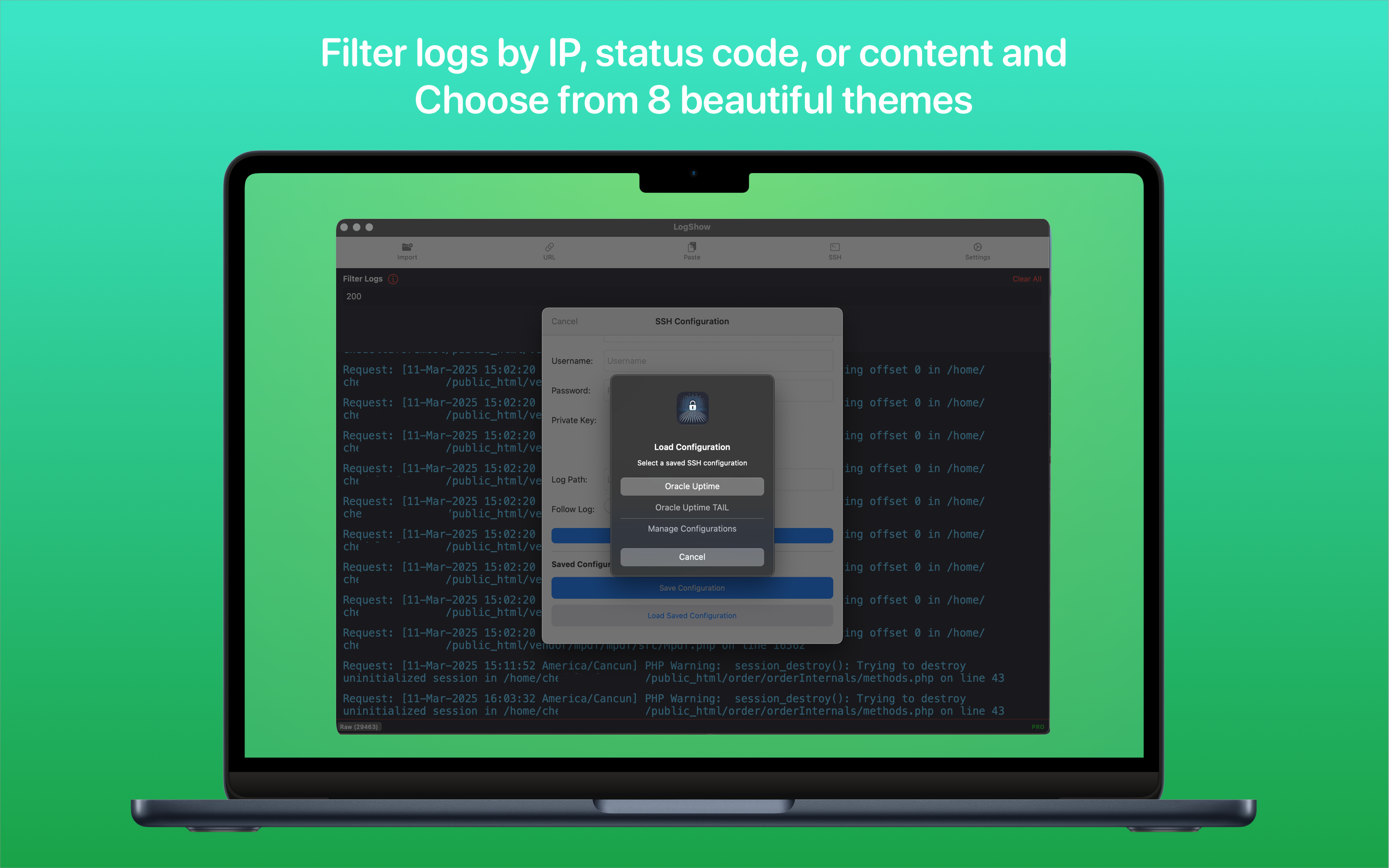
Filter logs by IP address, status code, timestamp, or any text content.
Connect directly to remote servers via SSH to view logs in real-time.
Color-coded log fields — IPs, timestamps, status codes — across 8 beautiful themes.
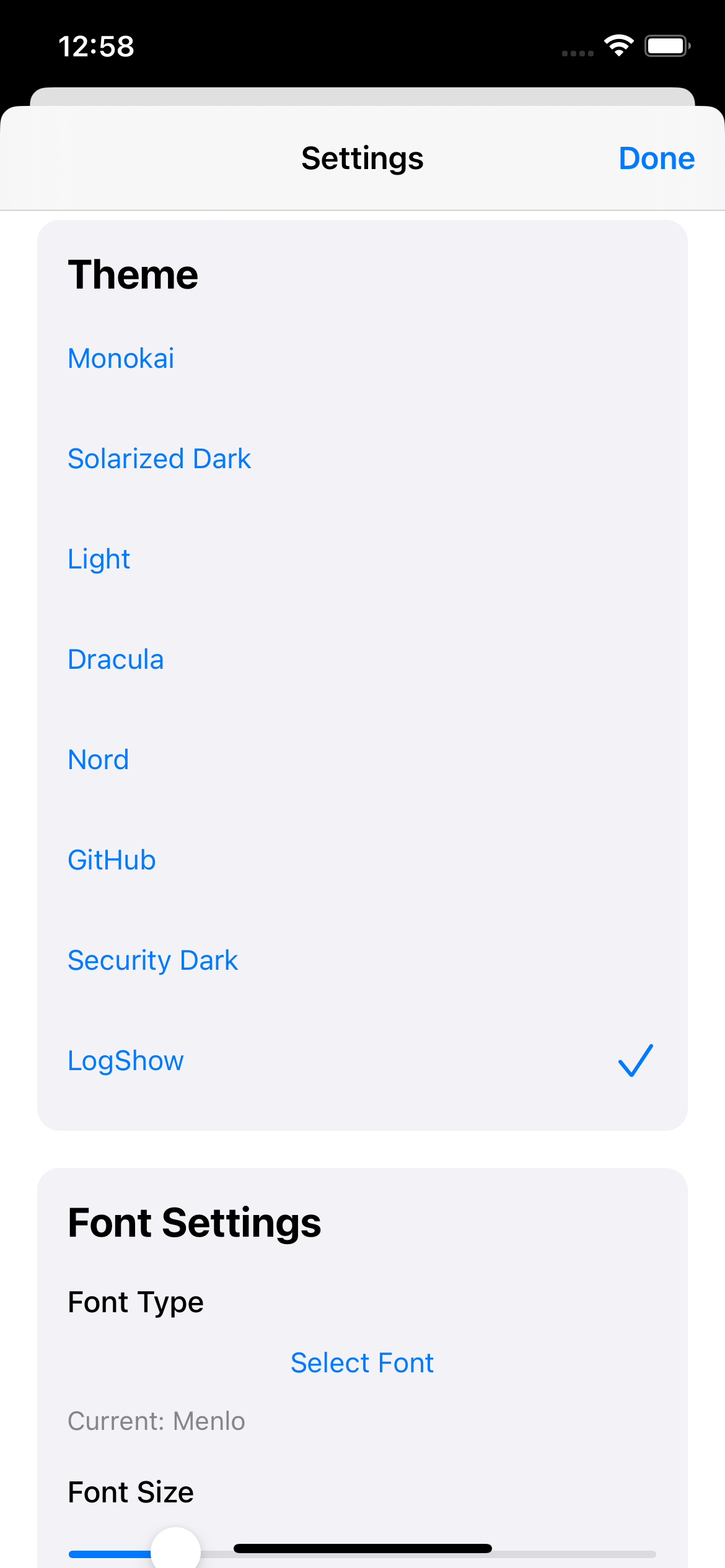
LogShow makes working with logs flexible and convenient. Import logs from multiple sources including files, clipboard, URLs, or direct SSH connections. The app automatically identifies the log format and presents it in a clean, syntax-highlighted interface that makes debugging faster and more efficient.
| Feature | Free | Pro |
|---|---|---|
| 6 log formats (Apache, Nginx, systemd, Syslog, IIS, JSON) | ||
| Import from files, clipboard, URLs & drag and drop | ||
| Filter logs | ||
| Syntax highlighting | ||
| Full screen mode & export | ||
| 8 beautiful themes | ||
| SSH connection (password) | ||
| SSH with private key support | ||
| Save log sessions | ||
| iCloud sync (SSH configs & saved sessions) | ||
| Email support |
We're continuously working to make LogShow even better. Here's what's coming:
Monitor your logs on the big screen.
Pin important log lines for quick reference across sessions.
Summarize errors, detect anomalies, and get insights powered by AI.
Define your own log format patterns for proprietary or niche log types.